
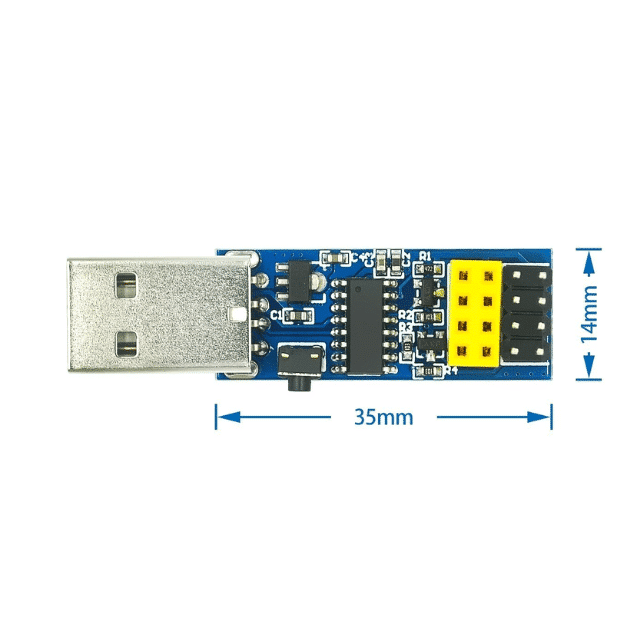
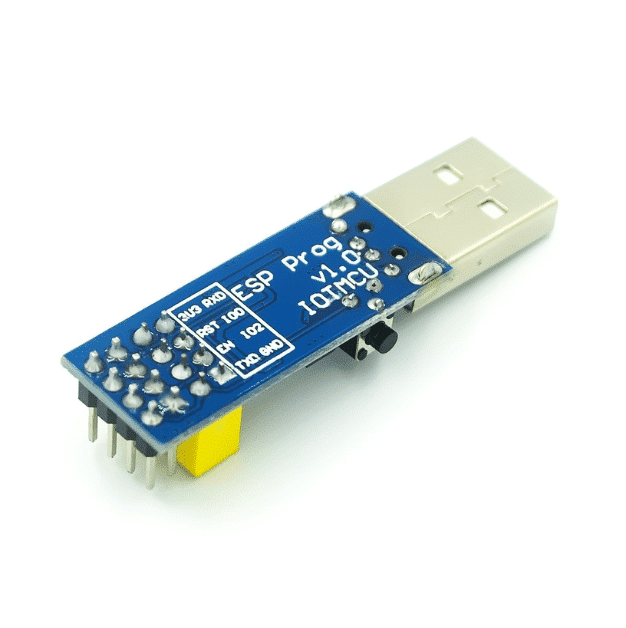
Description
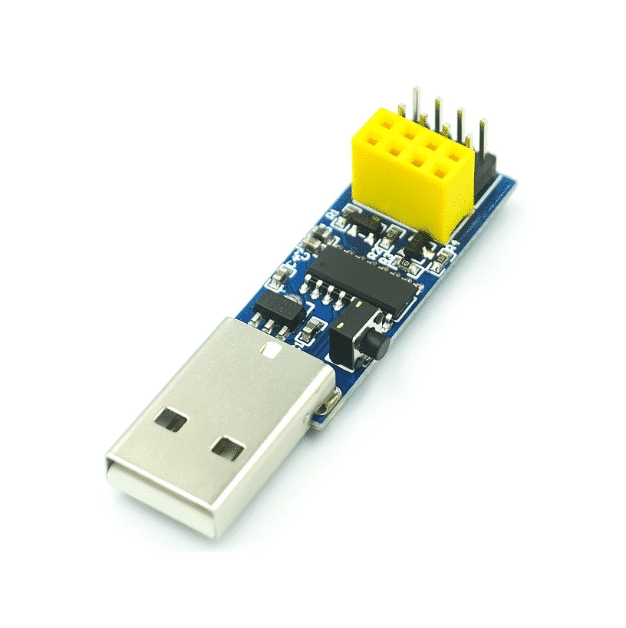
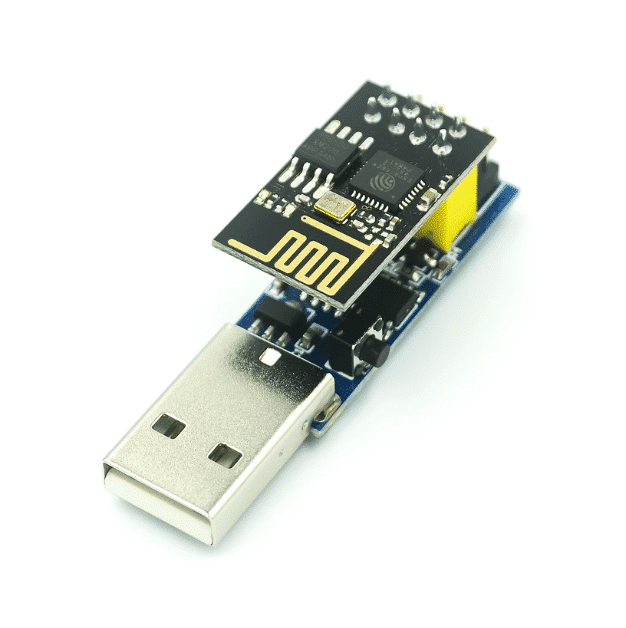
Simplify programming and debugging of ESP8266 ESP‑01 or ESP‑01S Wi‑Fi modules with this compact USB-to-UART adapter powered by the CH340C serial converter. Designed for seamless integration with Arduino IDE, Espressif flash tools, and other common utilities, it automatically places your module into bootloader mode—no button pressing needed. Ideal for makers, hobbyists, and rapid prototyping as a low-cost, no-fuss tool.
Technical Specifications
| Feature | Specification |
|---|---|
| Compatibility | ESP8266 ESP‑01 & ESP‑01S modules |
| USB–UART Chipset | CH340C (USB-to-Serial Converter) |
| Operating Voltage | 5 V DC from USB port |
| UART Logic Voltage | 3.3 V (powered module via adapter) |
| Auto-Download Circuit | Yes – enables firmware download without manual reset |
| Max Baud Rate | Up to 115,200 bps |
| Dimensions | ~50 × 14 × 12 mm |
| Weight | ~6 g |
| USB Connector | USB‑A (cable not included) |
Package Includes
-
1 × CH340C Wi‑Fi Module Adapter for ESP‑01/01S
-
(Optional listings may include a short USB-A to micro-USB cable)
Key Features
-
Plug‑and‑Play Flashing: Automatically enters ESP‑01/01S into download mode – no need to press buttons
-
Software Support: Compatible with Arduino IDE, Espressif Flash Download Tools, Anxin Flasher, Xin Flash tools
-
Compact & Portable: Small board (~5 cm long, <6 g) perfect for embedding or bench use
-
Reliable Communication: CH340C chip ensures stable USB serial connection
-
Reset Button: Some versions include reset switch for manual control
🔧 Ideal Use Cases
-
Flashing custom firmware or AT firmware onto ESP‑01/01S modules
-
Serial debugging and monitoring via USB
-
Low-cost tool for rapid prototyping with ESP8266 IoT modules
-
Compatible with Windows, macOS*, and Linux using CH340C drivers
*Driver installation may be required—available from various sources.
Quick Start Guide
-
Install CH340C driver on your computer (search “CH340C driver”).
-
Insert ESP‑01/01S into the female header on the adapter.
-
Connect the adapter to USB-A on your computer.
-
Launch Arduino IDE or Espressif’s flash tool, select COM port.
-
Upload code or flash firmware—auto-bootloader handles mode switching.
Who Should Buy?
-
Beginners and hobbyists working with ESP‑01/01S modules
-
IoT developers needing quick firmware updates
-
Electronics educators needing a simple ESP8266 programming tool